


A video campaign that works in Germany may not work in Spain, France, or the Netherlands without a few changes. The product remains the same but you need to adapt the language, adjust customer expectations, address cultural references and platform preferences according to the targeted market.
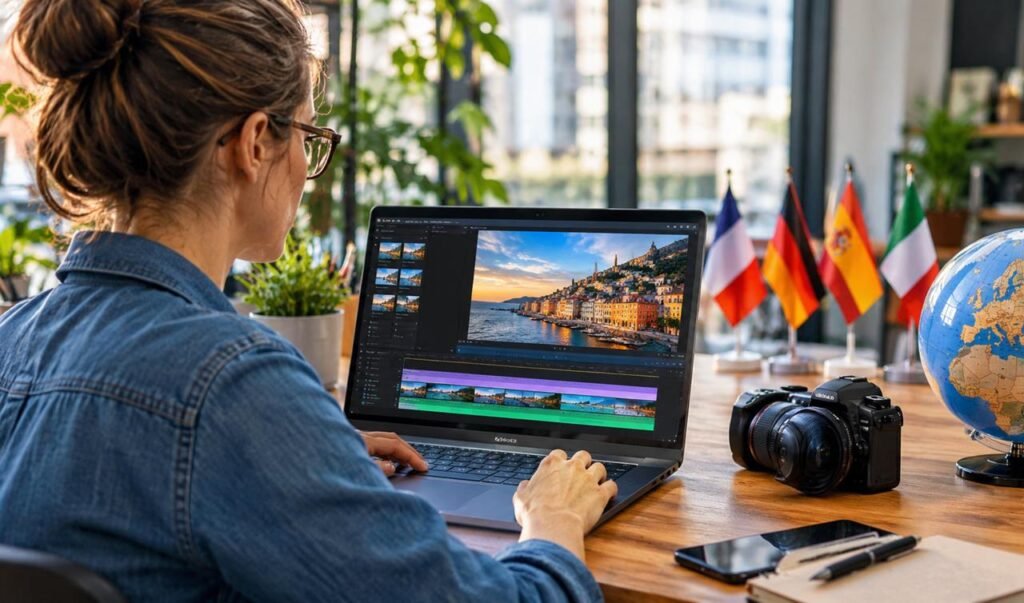
Numerous European markets face the challenge of producing localized content without increasing the production cost whenever a campaign crosses a border. The best way to go about it is to create a reusable content pipeline. Start with high-quality master footage, improve elements that require visual attention, remove editing marks from authorized exports and then adapt the clean versions according to each market.
You may use AI video tools to support this process which would help the marketing teams keep brand presentation consistent while getting more value from the same footage.
Make Every Video Asset Work Across More Than One Market
As a business owner, you already have a substantial library of video content. Product demonstrations, customer testimonials, founder interviews, behind-the-scenes footage, event recordings, and social media ads are useful material that may be used for future campaigns.
As extensive as this library may seem, it’s not always ready for reuse. You probably need to adjust the language, an outdated promotional text, and remove watermark from a clip downloaded from an editing platform. Smart businesses separate the footage from the elements that need to change, re-shooting the entire thing is inefficient.
Consider the original recording as a master asset where the visuals remain the same and you adapt the subtitles, voiceovers, captions, calls to action, and other market-specific elements. This way you can create several versions from one approved source.
Improve the Master Footage Before Localizing It
Always strive to work from a clean source, improve the master footage before you add subtitles, graphics or translated audio. Localization cannot compensate for poor source quality. If a product demonstration is blurry, a speaker’s face is difficult to see, or a recording contains distracting visual noise, these problems will carry into every translated version.
It makes sense to improve the master footage before adding subtitles, graphics, or translated audio. This way, the team works from one cleaner source rather than trying to fix the same visual issue across several exports.
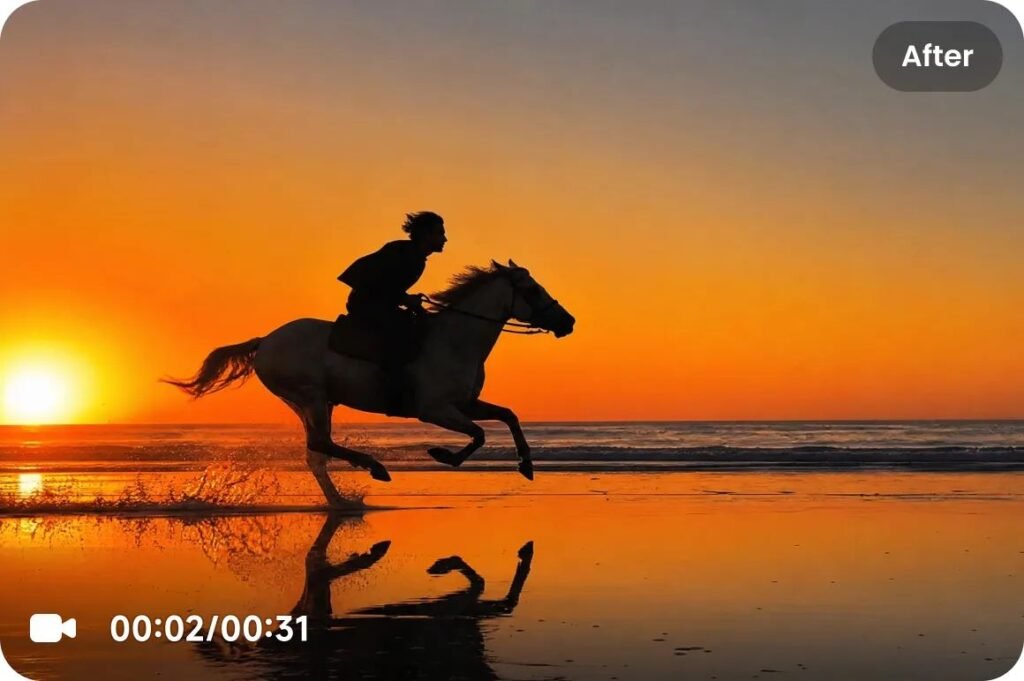
An AI free video enhancer will help you in improving footage that looks soft, compressed, or grainy.Vmake Labs’s Video Enhancer is packed with features such as resolution upscaling, detail restoration, along with reducing blur, noise, and compression artifacts. The output options include 2K, 4K, and 8K, with processing options for different types of footage. When business content is considered, enhancement is useful in situations such as:
Product demonstrations: Packaging, labels, materials, and small product details should always be easy to see. Better clarity makes a demonstration more useful, especially when viewers are watching on smaller screens.
Talking-head videos: Interviews, customer testimonials, and founder messages benefit when facial details are clear and accompanied by natural-looking skin texture. Avoid settings that make faces look overly smooth or artificial.
Older campaign footage: A relevant recording may be saved at a lower resolution or compressed during an earlier upload. Enhancement will make necessary changes that would make it suitable for a new campaign.
Low-light recordings: Event footage and indoor demonstrations may show visible grain or noise. Using an enhancement tool will help clean up the image.
Remove Watermarks From Authorized Video Exports
Once you have improved the master footage successfully, you prepare to reuse it but this is where editing marks may become a problem. For instance, your team created an initial video using a social platform or editing tool, then realized it needs a clean version for a different market. A visible platform watermark will make the content look less consistent with the brand’s other campaign assets. Moreover, It may also limit how easily the video may be incorporated into a new edit.
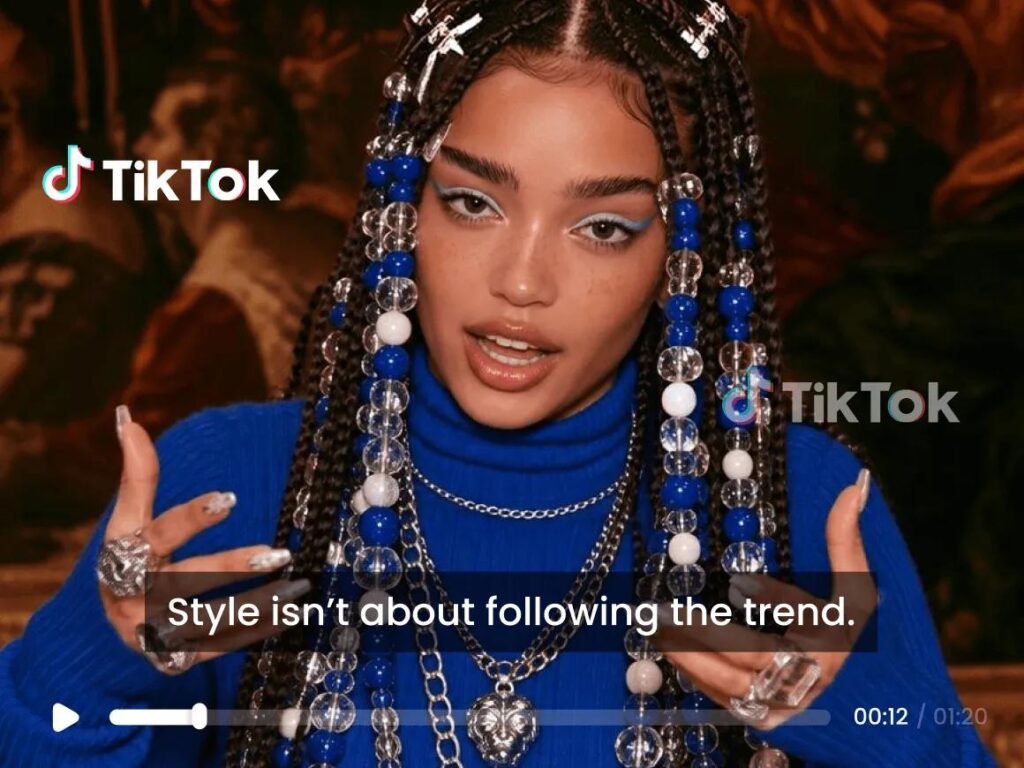
You can modify the footage you own with Vmake Labs’s video watermark remover feature to clean up eligible exports. Super easy to use, the tool has automatic watermark detection, tracker for moving marks, and options to refine removal using erase and protect zones. It also advertises batch processing for multiple videos. The cleanup process is straightforward:
- Select the original or authorized export that contains the editing or platform mark.
- Upload the video and identify the watermark you need to remove.
- Preview the processed footage, pay attention to areas where the mark overlaps with a person, product, or moving background.
- Check several points throughout the clip rather than judging the result from one still frame.
- Save the cleaned version separately from the original and record which campaign or market will use it.
Build a Localization Process Around the Clean Master
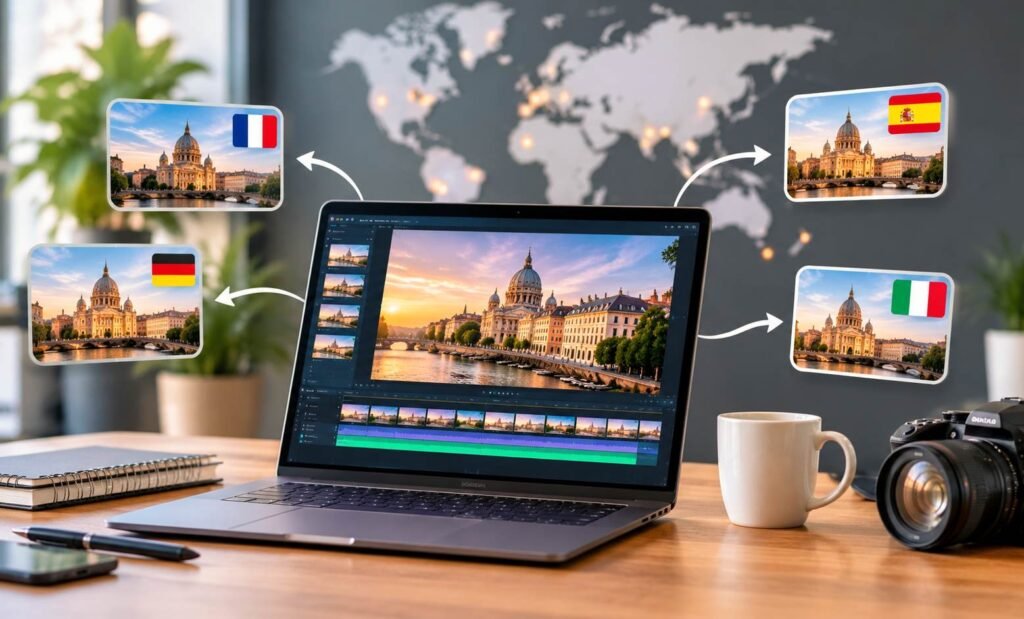
Once the visual source is prepared, your marketing team can move ahead to market-specific versions. This is where a reusable pipeline becomes particularly valuable. Instead of editing each version independently, create a clear handoff between the central content team and local marketing teams.
Start by deciding which parts of the video should remain consistent. Product shots, demonstrations, approved brand visuals, and core campaign footage may be shared across markets. Other elements will need adaptation.
Language is an obvious consideration, but localization goes beyond translation. A translated slogan may not have the same tone or meaning in another language. Moreover, a promotion may not apply in every country, while pricing, delivery details, product availability, and calls to action may differ. For each market version, review:
- Subtitles and captions: Check spelling, timing, readability, and whether the translation fits comfortably on screen.
- Voiceovers: Use a natural delivery that suits the audience rather than relying on a literal translation.
- On-screen messaging: Update promotional details, product information, and calls to action where necessary.
- Visual references: Check that imagery, gestures, examples, and cultural references are appropriate for the intended audience.
- Brand consistency: Keep approved logos, colors, typography, and visual standards consistent across versions.
- Platform formatting: Adapt aspect ratios, safe areas, and video length to the requirements of each publishing channel.
Although AI can assist with parts of this process, local review should remain part of the approval chain. A fluent translation may be commercially inaccurate, and an automated edit may overlook a regional detail that matters to customers.
Turn Existing Footage Into a More Scalable Video Pipeline
As a European business you do not need to start every regional campaign with a new shoot. You can easily improve master assets, clean up authorized exports, and create localized versions for different audiences with a well-managed library of owned footage.
Using AI tools come in handy when you need to enhance older recordings or prepare existing videos for another round of editing.Vmake Labs Labs offers tools for video enhancement and watermark removal. The strongest results will come from combining automation with careful review, clear asset ownership, and local market knowledge.